How AI receipt scanning works (and why the math is not AI)
The AI reads your receipt: the lines, the currency, the tax and tip. HippoSplit does the math: conversion, shares, balances. Here is why keeping those two apart makes the result one you can trust.
The short answer
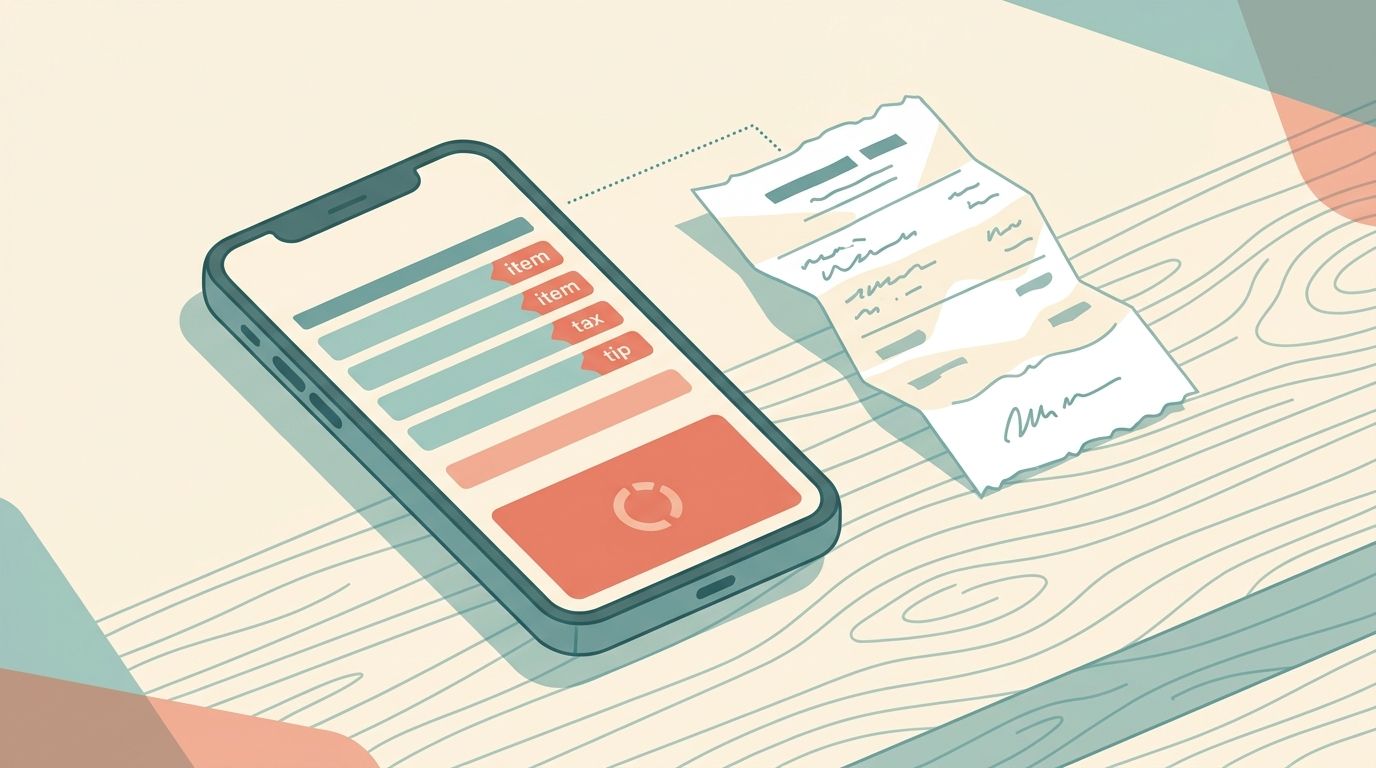
When HippoSplit scans a receipt, two very different things happen, and only the first one is AI. First, the AI reads the photo the way a person would: it writes down each line, spots the total and the currency, and notices which lines are tax, tip, service charge or a discount. Second, HippoSplit itself does the math: it converts the currency, works out each person's share, spreads the tip fairly, and updates who owes who. The AI never adds anything up. Every sum is done by HippoSplit's own calculation engine, built for exactly this, and the result is checked before it is saved. We built it this way on purpose. AI is great at reading a crumpled receipt in any language, and it is not something you should trust with arithmetic. So we only ask it to read.
This post is about splitting a receipt between friends, not filing expense reports or chasing cash-back. It explains, in plain terms, what happens in the few seconds between posting a receipt photo in your group chat and seeing the split. If you want the step-by-step tutorial instead, read how to scan receipts with AI in HippoSplit. This one is about why you can trust the result.
Why reading and math are kept apart
If you have ever asked a chatbot to add up a list of numbers, you have probably seen it get one wrong while sounding completely sure of itself. That is not a glitch that goes away with a better app. AI of this kind is built to produce text that looks right, and a total that is off by a few cents still looks right. For a trivia question, no harm done. For a dinner bill that four friends are about to pay, it is the whole point.
Reading, on the other hand, is exactly what this kind of AI is good at. A restaurant bill from Osaka, a pharmacy receipt from Lisbon and a supermarket receipt from Ohio look nothing alike, yet a person can glance at each one and tell what it says. AI can now do the same glance, in any language, through glare, creases and faded print.
So the rule we follow is simple: the AI does the part a person does with their eyes, and HippoSplit does the part a person does with a calculator. Everything below follows from that.
Step 1: the AI reads the photo
When you post a receipt photo in a HippoSplit group, the AI looks at it and also knows a little about your group: who the members are, your main currency, and any instructions you have saved for the group (for example, "Mike always pays for fuel"). Its one job is to write down what the receipt says.
What it hands back is simple: a short description, the total, the currency, the date, the shop or restaurant, a category, and the list of lines. The category (food, transport, accommodation and so on) is just a label, so the group can see where the money went and you can find the receipt again later. It never changes a number. Each line also gets a label saying what it is: an item, tax, service charge, tip or discount. If the AI is not sure, it calls the line a plain item rather than guessing.
Just as important is where the AI's job stops. It can turn your words into a plan: if your caption says "Paul had the steak", it attaches Paul's name to the steak line; if it says "split 60/40" or "the rest split even", or your group's saved instructions say so, it picks that split method and those percentages. What it never does is work out the amounts. How much each person actually owes comes from HippoSplit's own calculation, not from the AI.
A few extras: one photo can hold more than one receipt, and a batch of photos can hold several expenses, and each gets logged separately. A photo that is not a receipt at all is simply skipped. And a screenshot of a bank transfer between two group members is logged as a payment between them, not as a shared cost.
Step 2: HippoSplit checks the reading before saving anything
The AI's reading is treated as a suggestion, not a fact. Before any number reaches your group, HippoSplit runs a few checks:
Does it make sense? The reading has to look like a real receipt: lines, amounts and a total that fit together. Anything odd is treated as a plain item. Tax, tip and service charge are set to be shared in proportion to what each person ordered, which is the default fairness rule.
Are the names real? "Paid by" and any names on the lines are matched against the actual members of your group. A name that matches nobody does not quietly become a new person.
Is the exchange rate real? If the receipt is in a different currency from your group, the amount is converted using a real, up-to-date exchange rate. The rate it used is saved with the expense so you can see it.
Only once those checks pass does the expense exist.
Step 3: the math is ordinary math
With a clean list of lines, HippoSplit works out the split using fixed rules. Give it the same receipt and the same names twice and you get exactly the same answer twice, to the cent. AI cannot promise that, which is why it is kept away from this step.
For a simple even split, the total is divided by the number of people, and any leftover cents are shared out so everything adds up exactly. For a split by items, it works in two rounds:
Round one, the items. Each item is shared equally among the people it was assigned to. An item nobody claimed is shared by everyone. This gives each person a subtotal for their food and drink.
Round two, the fees. Tax, tip, service charge and discounts are then spread across those subtotals. By default this follows what each person ordered: someone whose items came to $48 pays four times the tax and tip of someone whose items came to $12, and someone with no items pays none of the fees. You can change any fee to be split equally, among certain people only, or by custom amounts.
Here is a dinner where the AI has read the receipt and the caption said who had what. The shares on the right come from HippoSplit's rules, not from the AI.
| Line | Type | Amount | Whose | Share |
|---|---|---|---|---|
| Steak | item | $48.00 | Paul | Paul 48.00 |
| Salad | item | $12.00 | Mary | Mary 12.00 |
| Tax (8%) | tax | $4.80 | by what each ordered | Paul 3.84, Mary 0.96 |
| Tip (20%) | tip | $12.00 | by what each ordered | Paul 9.60, Mary 2.40 |
| Total | $76.80 | Paul 61.44, Mary 15.36 |
If the tip had been split evenly instead, Mary would pay $6 on a $12 salad. Sharing it by what each person ordered is the fair way, so it is the default, and because it is a fixed rule it works the same way every time.
Finally, HippoSplit updates each person's balance and the group's who-owes-who list. If you later fix a line, move an item to someone else, or change the tip rule, the whole split is simply worked out again from the corrected lines.
What can still go wrong, and what you do about it
Keeping the AI away from the math does not make the reading perfect. What it does is make any mistake the kind you can see and fix in a tap. In practice these are the ones that happen:
| What happens | Why | What to do |
|---|---|---|
| A number is misread (a 7 read as a 1, a decimal point lost) | Glare, a crease, faded print | Tap the expense and fix the number; the split updates itself |
| A tip or tax line is logged as an item | The receipt used an unusual label, so the AI played safe | Change the line's type; the shares update |
| The wrong currency is picked | Several countries share the same symbol and the receipt gave no clue | Edit the currency; the conversion reruns |
| A name is not matched | The caption used a nickname the group does not know | Reassign the item, or add the nickname to the group's AI instructions |
| Nothing is logged | The photo was not recognised as a receipt, or the group ran out of free scans | Retake it in better light, or add the expense by form |
Every one of those is a visible field you can edit. That is the practical payoff of the design: the AI only saves you the typing, and it never has the final say. Anything it fills in can be changed, and the math is redone from whatever you changed.
The reading itself holds up well on real paper. For 11 days in Japan in 61 receipts we logged Japanese receipts from convenience stores, restaurants, a kimono rental and a 27-line drugstore run, with totals, 8% and 10% tax lines and discounts all adding up. The one document that gave nothing useful was a card slip with no items printed on it, which would stump a person too.
Why this matters when you pick a splitting app
"AI receipt scanning" is on a lot of feature lists now, and the phrase hides the question that matters: which parts does the AI do, and which parts are checked? An app that lets the AI produce the finished split is fast and, most of the time, right. The trouble is the rest of the time, when nobody notices that the tip landed on the wrong person or the total drifted by a few dollars, because the answer arrived looking confident.
Ask three things of any app that reads receipts for you. Can you see the lines it picked out, with tax and tip labelled as such? Is the split worked out by a rule you can name (even, by items, fees in proportion) rather than produced by the AI? And when you correct one line, does everything else update? If the answer to all three is yes, the AI is doing the job it is good at and nothing more.
That is how receipt splitting in HippoSplit works, and it is why we are comfortable putting a receipt photo in a group chat between friends who are about to move real money: the AI reads, HippoSplit counts, and you can check both.
FAQ
Does HippoSplit use AI to calculate the split?
No. The AI reads the receipt and hands back the lines, the amounts, the currency, and which lines are tax or tip. The split, the currency conversion and the balances are worked out by HippoSplit with fixed rules, and the result is checked before it is saved.
Which AI reads the receipts?
HippoSplit uses a leading AI model that can read images and text in any language, and we update it as better models become available. Whichever model reads the receipt, the numbers are always checked and calculated by HippoSplit, not by the AI.
Can it read receipts in other languages and currencies?
Yes. The AI reads any language and works out the currency from the symbols, the language and the shop's location. If the receipt gives no clue, it uses your group's main currency. HippoSplit then converts between 150+ currencies using a real, up-to-date rate.
What if the scan gets something wrong?
Open the expense and edit the line, the fee type, the currency or the names. Everything the AI filled in can be changed, and the split and balances recalculate from your correction.
How are tax and tip split?
By default, in proportion to what each person ordered, so the person with the salad does not pay the same tip as the person with the steak. For each fee you can switch to an even split, a split among certain people, or custom amounts.
How many scans do I get?
The free plan includes 20 AI scans a week. Premium is unlimited for the whole group when the group creator has it, subject to the fair-use policy. Adding an expense by form never uses a scan.
Is it safe to upload receipt photos? What happens to them?
The photo is stored securely and encrypted with your group's chat, and only your group's members can see it. It is shown to the AI once, to be read, and the reading is saved with the expense. Your receipts are never used to train any AI. If a receipt shows a card number or a name you would rather not share, crop it before posting; the scan only needs the items and totals.